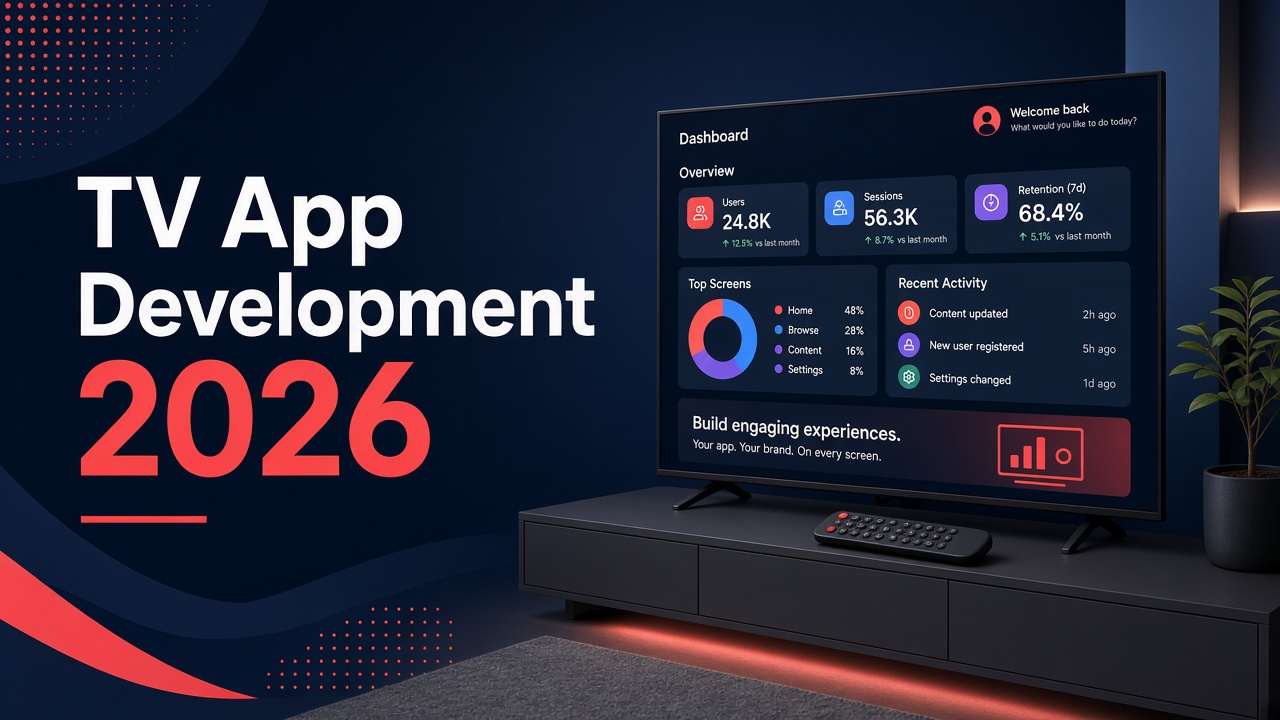
TV App Development in 2026: Android TV, Apple TV, and Web-to-TV
TV App Development in 2026: Android TV, Apple TV, and Web-to-TV
 22 Sep
TV App Development in 2026: Android TV, Apple TV, and Web-to-TV
TV app development in 2026 is no longer a niche add-on for global streaming giants. Media brands, hospitality groups, retailers, schools, and enterprise teams across Lebanon and the GCC increasingly need experiences that work on the big screen—Android TV, Apple TV (tvOS), and web-based TV/OTT players—while staying connected to the phone apps people already use.
This buyer guide explains when a TV app makes business sense, how the major platforms differ, what “10-foot UI” really demands, and how architecture choices relate to your existing iOS and Android mobile products. It is written for decision-makers who need clarity before they brief an agency—not a platform evangelism piece.
Step to Media is a software development agency in Mkalles, Lebanon, offering website development, mobile app development, custom software solutions, and TV apps for web, iOS, and Android ecosystems. Learn more on our software development agency in Lebanon hub, or contact us (info@steptomedia.com · +961 03 510 646) when you are ready to scope a TV or OTT project.
When businesses actually need a TV app
Not every brand with video needs a native TV store presence. Start with the job the living-room screen must do.
Strong signals you need a dedicated TV experience
- Recurring lean-back consumption — series, live events, fitness classes, sermons, training libraries, or hotel channel packs watched on a large display for 20+ minutes at a time.
- Shared-screen context — families, hotel rooms, waiting areas, classrooms, or retail floors where a phone UI is the wrong form factor.
- Operator or venue control — digital signage playlists, menu boards, kiosk-style loops, or locked-down hospitality interfaces.
- Companion to an existing mobile/web product — users already authenticate on phone or web; TV extends the same catalog, bookings, or content library.
- Monetization on the big screen — subscriptions, rentals, or advertising that require store-compliant purchase flows or your own billing via web.
When a responsive website or casting is enough
If content is occasional and users already cast from a phone, a polished mobile web player plus Chromecast/AirPlay may be enough at first. Revisit native TV when engagement or remote-first UX becomes a growth constraint—not because a competitor “has an app.”
Platform map: Android TV, Apple TV, and web-to-TV
Think in three lanes. Many regional products eventually ship more than one.
| Lane | Typical targets | Strengths | Watch-outs |
|---|---|---|---|
| Android TV / Google TV | Many smart TVs, Android TV sticks, some set-top boxes | Large device footprint in Lebanon & GCC; flexible distribution options; shares Kotlin/Java/Compose skills with Android phone teams | Device fragmentation; OEM skins; certification and performance testing across chipsets |
| Apple TV / tvOS | Apple TV hardware | High-quality UX expectations; strong media frameworks; cohesive with iOS accounts and Continuity patterns | Smaller absolute device base regionally; App Store review rigor; Swift/SwiftUI or multiplatform stack investment |
| Web-based TV / OTT | Smart TV browsers, HbbTV-style shells, custom HTML5 players, progressive web on TV browsers, in-room browsers | Fast iteration; one player codebase; good for pilots, hotels, and controlled networks | Input models vary; browser engines differ; limited background/offline capabilities vs native |
“Web-to-TV” means a TV-optimized web application or player—not your marketing site in a TV browser. Navigation, focus, video, and analytics must be designed for remotes and large type from day one.
How TV apps relate to iOS and Android phone apps
Buyers often ask: “Can we just stretch the phone app?” The short answer is no—but you should reuse the backend and product logic.
What to share across phone and TV
- Identity and entitlements — same accounts, subscriptions, and content rights.
- Catalog and CMS — one content model feeding phone, web, and TV presentations.
- APIs and analytics events — consistent playback, search, and conversion tracking.
- Design tokens where sensible — brand color and logo; not phone layout grids.
What must be redesigned for TV
- Navigation — D-pad / focus engine instead of touch gestures.
- Information density — fewer items on screen; larger hit (focus) targets; clearer hierarchy.
- Playback chrome — transport controls, subtitles, audio tracks, and quality selectors sized for the couch.
- Onboarding — QR or short-code pairing from phone is often better than typing emails on a remote.
If you are still choosing a mobile partner or comparing agency approaches, see our guide on how to choose a mobile app development agency in Lebanon and the broader Arabic mobile market challenges and opportunities overview. TV work sits on top of the same product discipline.
Architecture choices that matter in 2026
Architecture is where cost and risk hide. Agree these decisions early.
1. Native vs cross-platform vs web player
- Native (Kotlin for Android TV, Swift for tvOS) — best performance and platform APIs; two UI codebases unless you carefully share modules.
- Cross-platform UI (e.g. shared business logic + platform UI, or frameworks with TV targets) — can reduce duplication for catalog screens; still requires platform-specific playback and focus work.
- Web/HTML5 player shell — ideal for controlled environments and rapid content experiments; may still wrap in a thin native container for store distribution.
There is no universal winner. Match the choice to device targets, team skills, and how often UI will change.
2. Backend and media pipeline
Plan for:
- Adaptive streaming (HLS/DASH) with CDN delivery suited to regional peering.
- DRM when rights holders require it—budget time for license integration and QA.
- Offline or download packs only if the use case truly needs them (training, travel); many TV scenarios are online-first.
- CMS workflows for Arabic and English metadata, artwork crops for TV posters, and episode ordering.
3. Auth and “TV-friendly” login
Typing passwords with a remote is hostile UX. Prefer:
- QR code + phone confirmation
- Short numeric pairing codes
- Device codes linked to an existing web/mobile session
Keep security reviews in scope—especially for hospitality and education deployments on shared devices.
UX for the 10-foot UI
“10-foot UI” means designing for a viewer sitting roughly three meters from the screen. Principles that consistently matter:
- Focus first — every interactive element must show clear focus states; never rely on hover metaphors from desktop.
- Readable type — body and labels scale up; avoid dense paragraphs on browse screens.
- Spatial simplicity — horizontal rails and clear categories beat deep nested menus.
- Safe margins — keep critical UI inside overscan-safe areas on older displays.
- Latency honesty — show loading and buffering states; never leave a black screen after a keypress.
- Bilingual readiness — Arabic/English layout, RTL focus order, and subtitle languages for Lebanon and GCC audiences.
- Sound and accessibility — captions, audio description where relevant, and contrast that survives bright living rooms.
Treat product UI design as part of engineering delivery—not a separate “branding” exercise. The TV interface is the product.
Store requirements and release hygiene
Publishing is a product phase, not an afterthought.
Google Play (Android TV / Google TV)
Expect TV screenshots, a TV banner, leanback launcher support, and tests on real Android TV hardware—not only emulators.
Apple App Store (tvOS)
Provide Apple TV–sized artwork, privacy labels, and review-safe subscription flows. Continuity with iOS helps, but tvOS UI must stand alone.
Web/OTT and venue apps
Hotels and signage often ship via managed devices, MDMs, or locked browsers. Document update channels, kill switches, and content responsibilities in the contract.
Release checklist: crash analytics, playback errors, subtitle QA, RTL smoke tests, rollback. For partner selection, see the hire a software development agency in Lebanon checklist.
Lebanon and GCC use cases
Regional demand is practical, not theoretical. Common patterns we discuss with buyers:
| Sector | Typical TV need | Notes |
|---|---|---|
| Media & publishing | Catch-up TV, podcasts-as-video, live streams, archive libraries | Rights, DRM, and bilingual metadata dominate scope |
| Hospitality | In-room entertainment, welcome channels, hotel services menus | Often web-to-TV or managed Android devices on property networks |
| Retail & venues | Playlist signage, promo loops, queue entertainment | Uptime and remote content updates matter more than store rankings |
| Education & training | Lecture playback, corporate L&D on classroom displays | Pairing/auth for shared screens; progress sync to LMS |
| Faith & community | Sermon archives, live events on hall displays | Simple navigation and reliable live pipelines beat feature sprawl |
| Fitness & wellness | Class libraries on club screens or home TVs | Continuity with mobile booking apps |
Lebanon teams often start with one venue or content brand, prove playback and ops, then expand platforms. GCC rollouts may add stricter CDN, analytics, and bilingual content ops earlier.
A practical phasing plan
Rushing three store SKUs at once is a common budget trap. A sane sequence:
- Discovery — devices in target homes/venues, content rights, success metrics (watch time, room adoption, seat bookings).
- Pilot player — web-to-TV or single native platform with production CMS and real video.
- Auth + catalog polish — pairing, search, continue watching, bilingual UI.
- Second platform — usually the other major living-room OS or a managed device build for venues.
- Monetization & ops — subscriptions, ads, or hospitality packaging; monitoring and content SLAs.
Keep phone and TV roadmaps aligned so entitlements never diverge.
What to bring to a TV app briefing
Agency conversations go faster when you arrive with:
- Primary devices (Android TV, Apple TV, in-room browsers, signage players)
- Content sample + expected bitrate ladder
- Existing mobile/web apps and API docs
- Languages and subtitle requirements
- Store vs private distribution preference
- Success metric for the first 90 days after launch
Step to Media builds TV experiences as part of our broader software practice—alongside mobile and web—so product logic stays coherent. Explore mobile app development if your road map starts on phone, or return to the software development agency in Lebanon hub for the full service picture.
FAQ
Do we need both Android TV and Apple TV at launch?
Not always. Launch on the platform that matches your audience’s devices and distribution model, then add the second when metrics justify it. Hospitality and signage projects often prioritize managed Android or web players first.
Can our existing iOS/Android phone team “just port” to TV?
Shared backends and some business logic yes; UI and input models no. Budget explicit TV UX and platform playback work even when the same agency owns both codebases.
Is a web-based TV app “real” enough for hotels and venues?
Yes, when the environment is controlled and the player is TV-optimized. Consumer living-room discovery still often benefits from store-listed native apps.
How long does a first TV app release take?
Timelines vary with DRM, live streaming, and store count. A focused pilot on one platform with an existing CMS is typically shorter than a dual-store launch with subscriptions and complex rights. Ask for a phased plan rather than a single date for “everything.”
How should Lebanon and GCC buyers evaluate agencies for TV work?
Look for shipped media/playback experience, bilingual/RTL capability, clear testing on real TV hardware, and honest scope around stores vs managed devices—not only phone portfolios. Our agency hire checklist is a useful starting framework.
Soft next step
If you are mapping a living-room, in-room, or venue screen experience for 2026, bring your device list and content sample to a scoping call. Contact Step to Media at info@steptomedia.com or +961 03 510 646—Mkalles, Lebanon—and we will help you choose Android TV, Apple TV, web-to-TV, or a staged combination that fits how your users actually watch.