Smart TV App Development for Samsung and LG: A 2026 Guide for Lebanon and the GCC
 20 Oct
Smart TV App Development for Samsung and LG: A 2026 Guide for Lebanon and the GCC
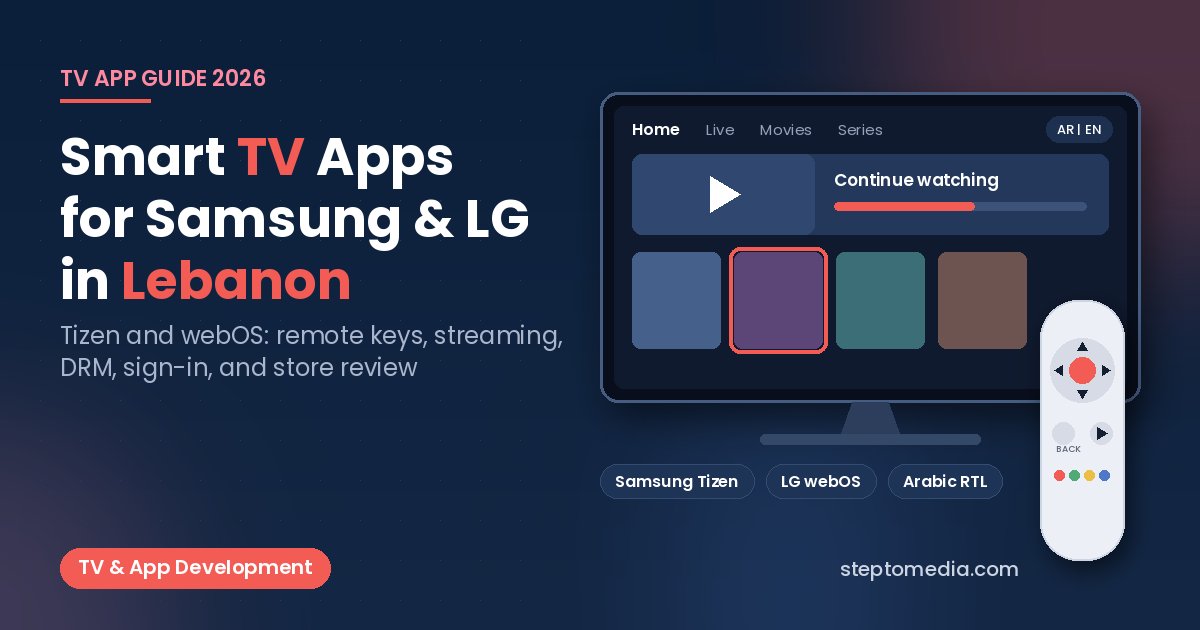
Many viewers in Lebanon and the Gulf watch on a Samsung or LG smart TV. Samsung TVs run Tizen and LG TVs run webOS, each with its own SDK, remote keys, video player, and store review. Good smart TV app development in Lebanon and the GCC means planning for each platform’s rules from day one, not just shrinking a website to fit a big screen.
This guide covers how Samsung and LG TV apps are built, tested, and published in 2026. For Android TV, Google TV, and Apple TV, see our TV app development guide for Android, Apple, and web.
Why Samsung and LG Need Their Own Plan
Samsung and LG TV apps are web apps at heart: HTML, CSS, and JavaScript running in the TV’s web engine, so one codebase can serve both. But each platform adds its own layer:
- A configuration file and a signed package format.
- Remote control keys and focus behavior.
- Video player options and DRM support.
- A seller account, a review process, and update approvals.
Smart TV App Development in Lebanon: Samsung Tizen Basics
A Samsung TV web app is made of HTML, CSS, and JavaScript files plus a config.xml file that declares the app’s version, features, and privileges. The Samsung TV SDK includes a TV simulator and a TV emulator, and Samsung still recommends testing on a real TV because of hardware differences. Three details matter from the start:
- Signing certificates: updates must be signed with the same author certificate as the original app, or the TV may treat the update as a different app. Back up the certificate and keep it under your company’s control.
- Resolution: the standard app resolution is 1920×1080 px for UHD model groups and 1280×720 px for FHD model groups, in a 16:9 ratio.
- Login data: to publish on Samsung Apps TV, all user login information must be deleted when the app is uninstalled.
LG webOS Basics
webOS TV apps are also built with standard web technologies, in two types:
- Packaged web apps: all files ship inside the app package (an IPK file), so any change needs a new package.
- Hosted web apps: a small local app redirects to content on your own web server, so you can update it without a new package. Performance then depends on the connection to that server.
LG’s tools include the webOS CLI, the webOS Studio extension for VS Code, and a simulator, with templates for Enact, a React-based framework. In June 2026, LG also made Flutter for webOS TV officially available for TVs running webOS TV 26 Re:New and later. That helps if your phone app is already in Flutter (see our Flutter vs React Native comparison), but older LG TVs still need a web build. Testing on a real LG TV uses LG’s Developer Mode app, which runs for a limited session that you need to extend.
Designing for the Remote, Not the Mouse
The remote is the main input on both platforms, so every screen needs clear focus states and logical arrow-key movement. A few platform facts shape the code:
- The Back key code differs: 10009 on Samsung and 461 on LG.
- On Samsung, arrow keys, Enter, and Back work automatically, but media and color keys must be registered first. VOD apps must handle the Play/Pause key.
- LG’s Magic Remote has a mouse-like pointer mode, but LG says all apps must also support 5-way (arrows and OK) navigation.
Video Streaming and DRM
Most TV apps exist to play video, so the player is the key technical decision:
- Samsung: the HTML5 video element handles common formats. For adaptive streaming, 4K UHD, and extra subtitle formats, Samsung provides the AVPlay API, which also supports PlayReady, Widevine Modular, and Verimatrix DRM.
- LG: the native player supports HTTP/HTTPS and HLS. On current webOS versions, PlayReady and Widevine Modular work through an HTML5 MSE/EME player. DRM is not supported in LG’s simulator or emulator, so protected content must be tested on real TVs.
Choose your streaming format, DRM provider, and player before designing screens.
Sign-In Without a Keyboard
Typing a password with a remote is painful. A better pattern is the OAuth 2.0 Device Authorization Grant (RFC 8628), written for input-limited devices such as smart TVs. The TV shows a short code and a web address, often as a QR code, and the user approves the sign-in on their phone. Your backend needs to support it, along with subscription checks. Our guide to API integration for payments, ERP, and WhatsApp explains how apps connect to existing systems.
Arabic and English on the Big Screen
For Lebanon and the Gulf, plan Arabic and English from the first wireframe: right-to-left layouts, mirrored navigation, Arabic fonts that stay readable from a sofa, and subtitles in both languages. In Samsung’s Seller Office, descriptions and update notes are entered per language, and the default-language title must match the title in the app’s configuration file. Our article on bilingual Arabic and English websites covers RTL basics that also apply on TV.
Publishing: Seller Accounts and Store Review
This is where projects from Lebanon and the GCC often lose time:
- Samsung accounts: a new TV Seller Office account starts as a Public Seller, which can launch apps only in the United States. Launching in other countries needs Partner Seller status, which requires an offline contract with Samsung HQ or a local Samsung subsidiary and approval by a Samsung content manager. Start this early.
- Samsung review: Samsung reviews and verification-tests each release for the selected TV model groups and countries. It also offers closed beta tests with activation codes (up to 90 days, on 2021 and newer TVs) and phased rollouts for updates: 3% of TVs, then 10%, then 100%.
- LG: apps go through LG Seller Lounge, as an individual or corporate seller, with a UX scenario and LG’s self-checklist. LG runs a pretest, function test, and content test, and every later update needs its own approval.
Our guide to publishing on the App Store and Google Play from Lebanon covers the mobile side. As with mobile, your company should own the seller accounts.
Testing and Maintenance After Launch
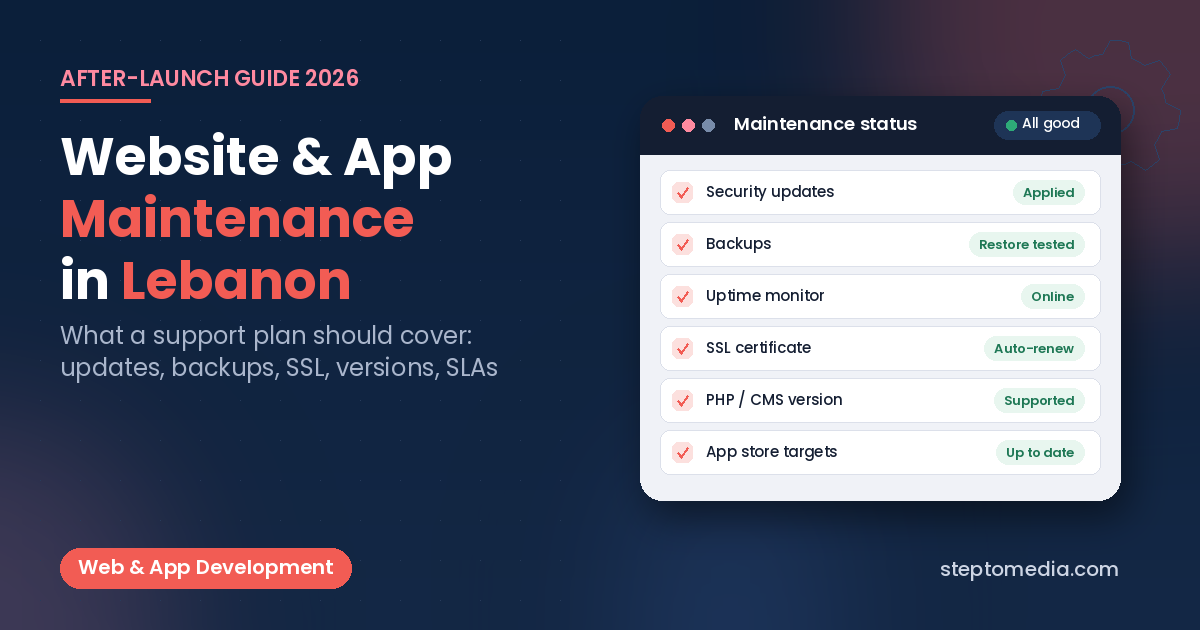
TVs stay in homes for years, so test on several model years. When Samsung releases new TV models or Tizen versions, it runs compatibility tests and reports defects you must fix before the app reaches those models. On LG, check the platform specifications for each webOS version you support. Our guide to website and app maintenance in Lebanon explains what a support plan should cover.
How Step To Media Can Help
Step To Media builds websites, web apps, mobile apps, and TV apps from Mkalles for businesses in Lebanon and the Gulf. Explore our website development, mobile app development, and custom software development services. You can also learn more about us as a software and web development company in Lebanon, or see how we work as a software development agency in Lebanon. If you are planning a Samsung or LG TV app, contact us with your content type, target countries, and streaming setup.
Frequently Asked Questions
Can one codebase run on both Samsung and LG TVs?
Mostly, yes. Both run web apps, but packaging, key handling, video playback, and store submission differ.
Can I publish a Samsung TV app in Lebanon or the GCC?
A new Samsung Public Seller account can launch apps only in the United States. Other countries require Partner Seller status, based on an offline contract with Samsung and approval by a Samsung content manager.
Do Samsung and LG TVs support DRM-protected video?
Yes. Samsung’s AVPlay API supports PlayReady, Widevine Modular, and Verimatrix. LG supports PlayReady and Widevine Modular through an HTML5 MSE/EME player, tested on real TVs.
Can I build an LG TV app with Flutter?
Yes, for newer TVs. Flutter for webOS TV became officially available in June 2026 for webOS TV 26 Re:New and later. Older LG TVs need a web app.
How do users sign in on a TV without a keyboard?
A common approach is the OAuth 2.0 Device Authorization Grant (RFC 8628): the TV shows a code or QR code, and the user approves the sign-in on their phone.
Do TV app updates need store approval?
Yes. Samsung reviews and tests each release, and LG requires a separate approval for every update.
No next post available